.png)
How do my students log in?
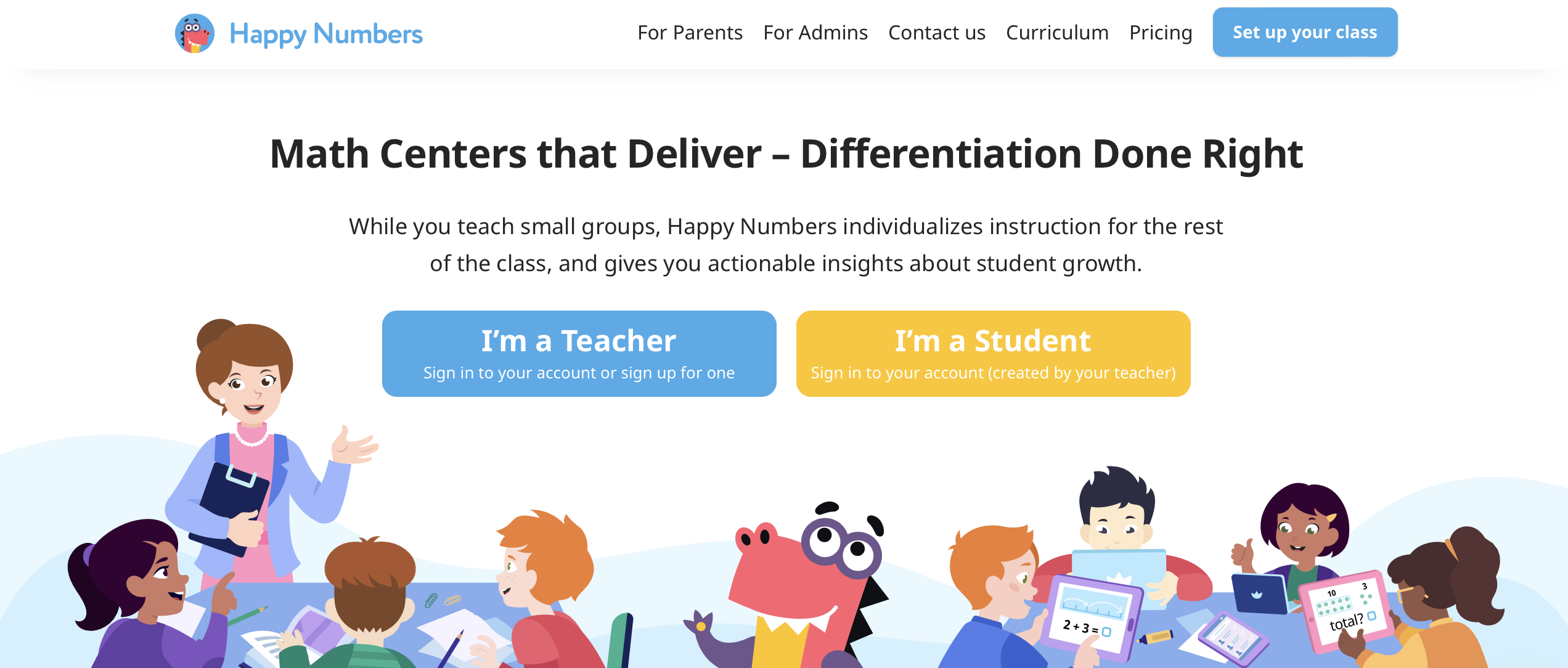
Go to HappyNumbers.com and click the yellow "I'm a Student" button.
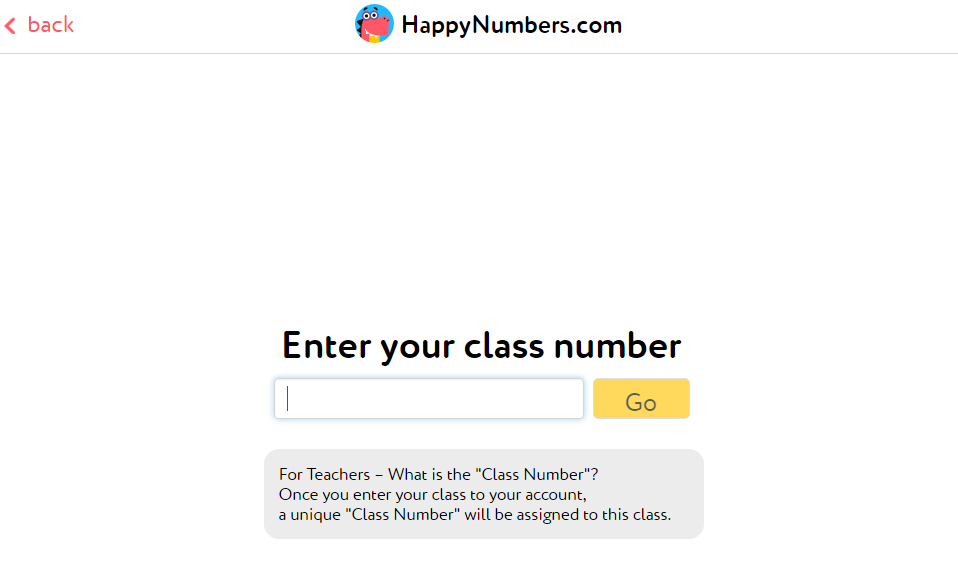
Enter a 9-digit class number without space.
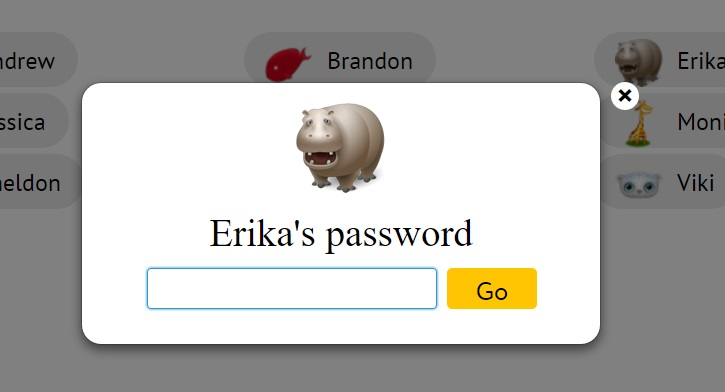
Click on the image with the student's name, and type the password.
If Happy Letters is also enabled for your class, after logging in, you will be taken to a page where you can choose a course:
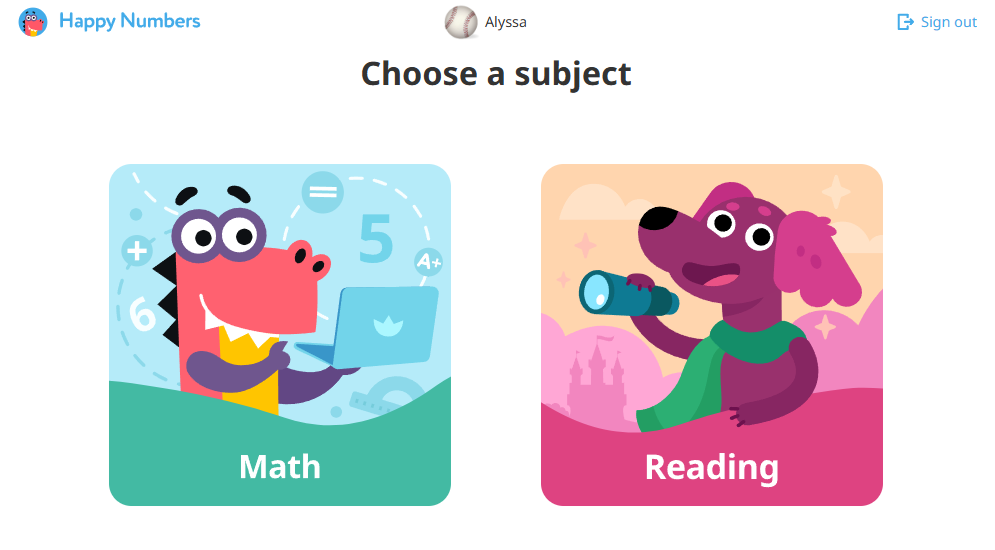
To start Math (Happy Numbers), click on the dinosaur Dino.
To start Reading (Happy Letters), click on the dog Alfy.