.png)
How do I start using Happy Letters?
Welcome to Happy Letters!
Setting up a Happy Letters account is quick — we provide step-by-step instructions so you can start teaching with Happy Letters in minutes.
Happy Letters covers K-2 literacy skills and is available for PreK-3 classrooms. Teachers can enable it right inside their Happy Numbers account.
Please note: You'll roster your classes through your Happy Numbers (Math) account. Happy Letters (ELA) mirrors your Happy Numbers roster, so any students added in Happy Numbers will automatically appear in Happy Letters (if they meet the access criteria).
Using Clever in your classroom?
Happy Letters doesn't have a separate Clever app yet — you'll simply install Happy Numbers from Clever to access both.
There are two points when you can enable Happy Letters:
- During installation: as you install Happy Numbers from Clever and your PreK-3 roster syncs, you'll be offered the option to enable Happy Letters (ELA) — turn it on right there.
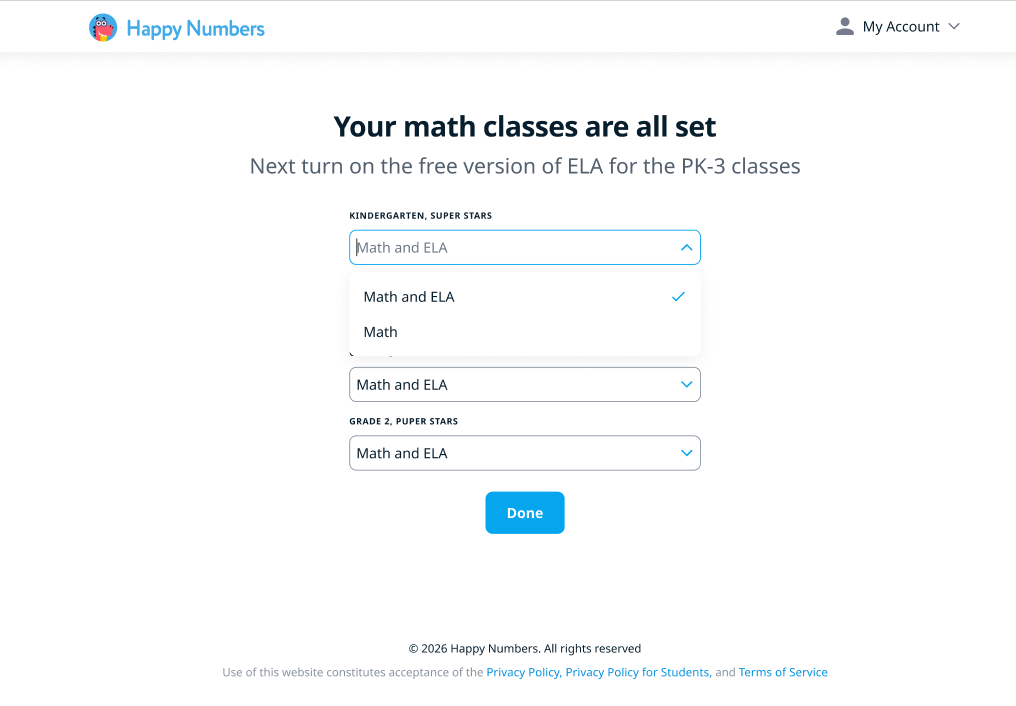
- After installation: if your Clever roster is already synced, log into Happy Numbers through Clever and click the ELA tab at the top of your account to enable it.

New to Clever setup? Follow our Clever setup guide to install Happy Numbers first.
Setting up manually (no Clever or ClassLink)
If you're not using Clever or ClassLink, you'll create a Happy Numbers account and roster your class first.
There are two points when you can enable Happy Letters:
- During rostering: for classes in grades PreK–3, you'll be offered the option to enable Happy Letters (ELA) alongside Happy Numbers (Math) as you set up — turn it on right there.
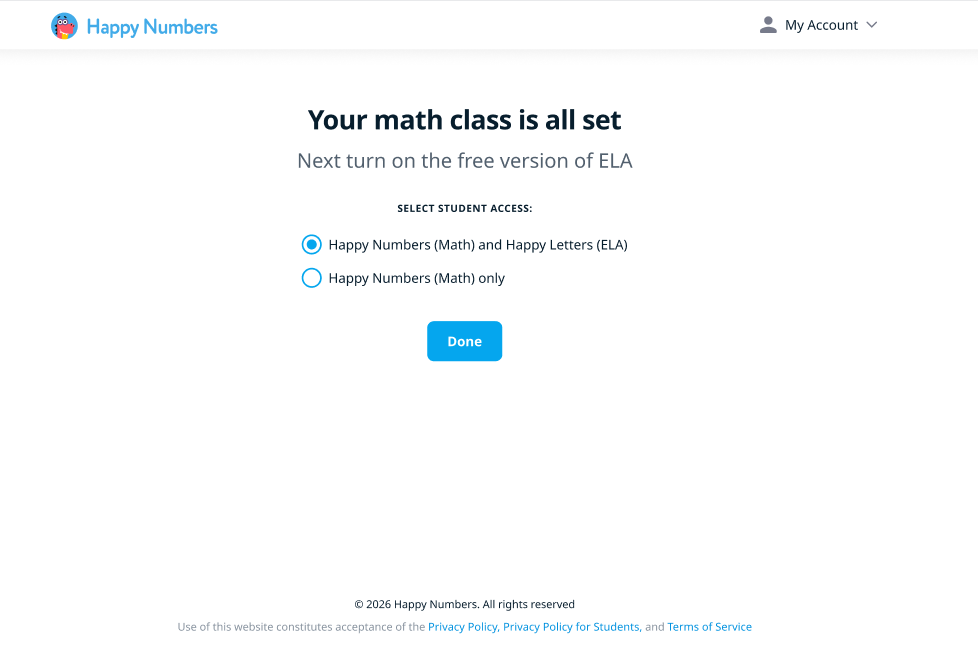
- After rostering: if your class is already set up, just click the ELA tab at the top of your account to enable it.
You're all set — time to bring literacy to life!
What students see
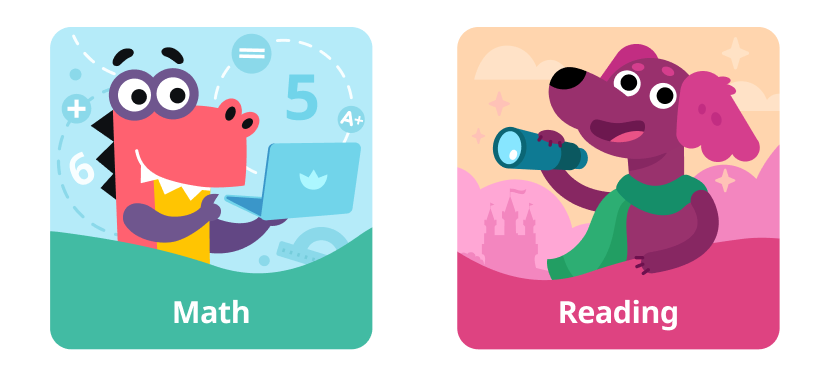
Students log in to their Happy Numbers account as usual. On their home screen, they'll now see a choice: tapping Reading starts Happy Letters.
Teaching Grades 4–5? Happy Letters covers K–2 skills. If you need the K–2 curriculum for older students, contact our support team at ela@happynumbers.com.
Want more on ELA tools and class management? See Getting Started with Happy Letters.
Only have ELA access? See How to Use Happy Letters if You Only Have ELA Access.