.png)
How do I identify my device's Operating System (OS) and browser version?
Devices
Windows Devices
-
Click Start
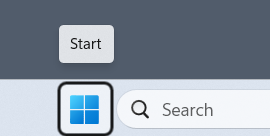
- Open Settings
-
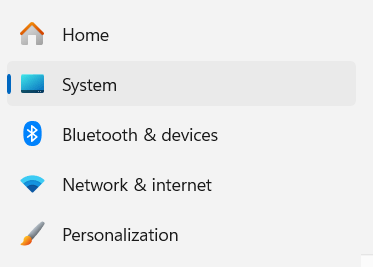
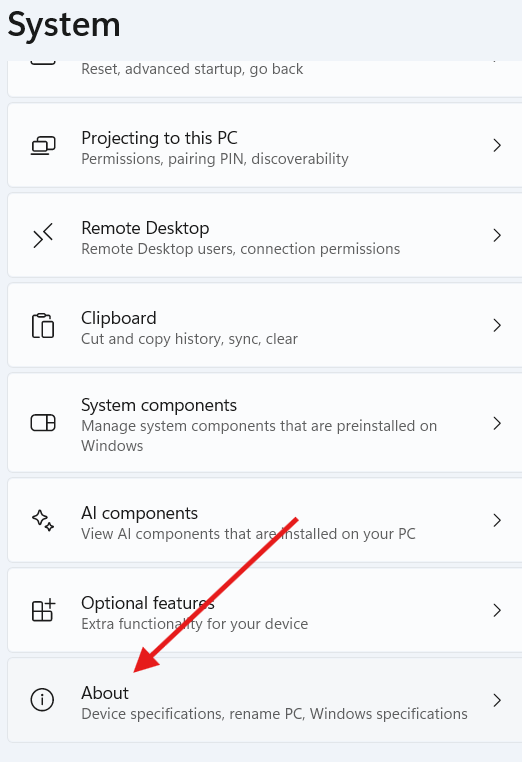
Click System
-
Scroll down and click About
Apple Devises
MacBooks
-
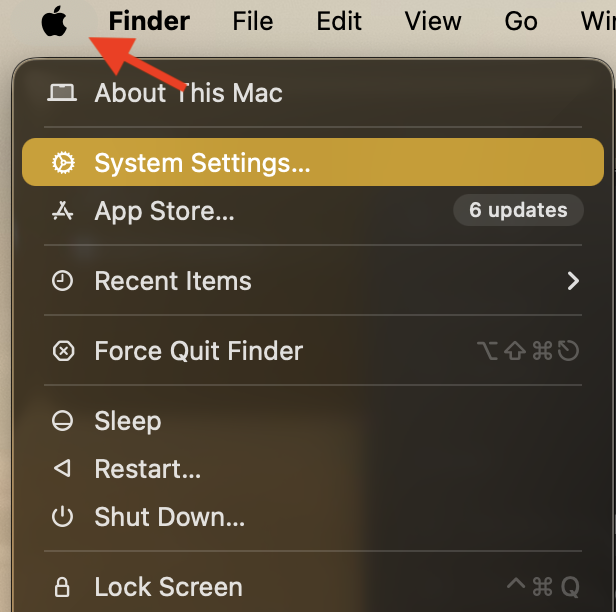
Click the Apple menu and select System Settings
-
Select About
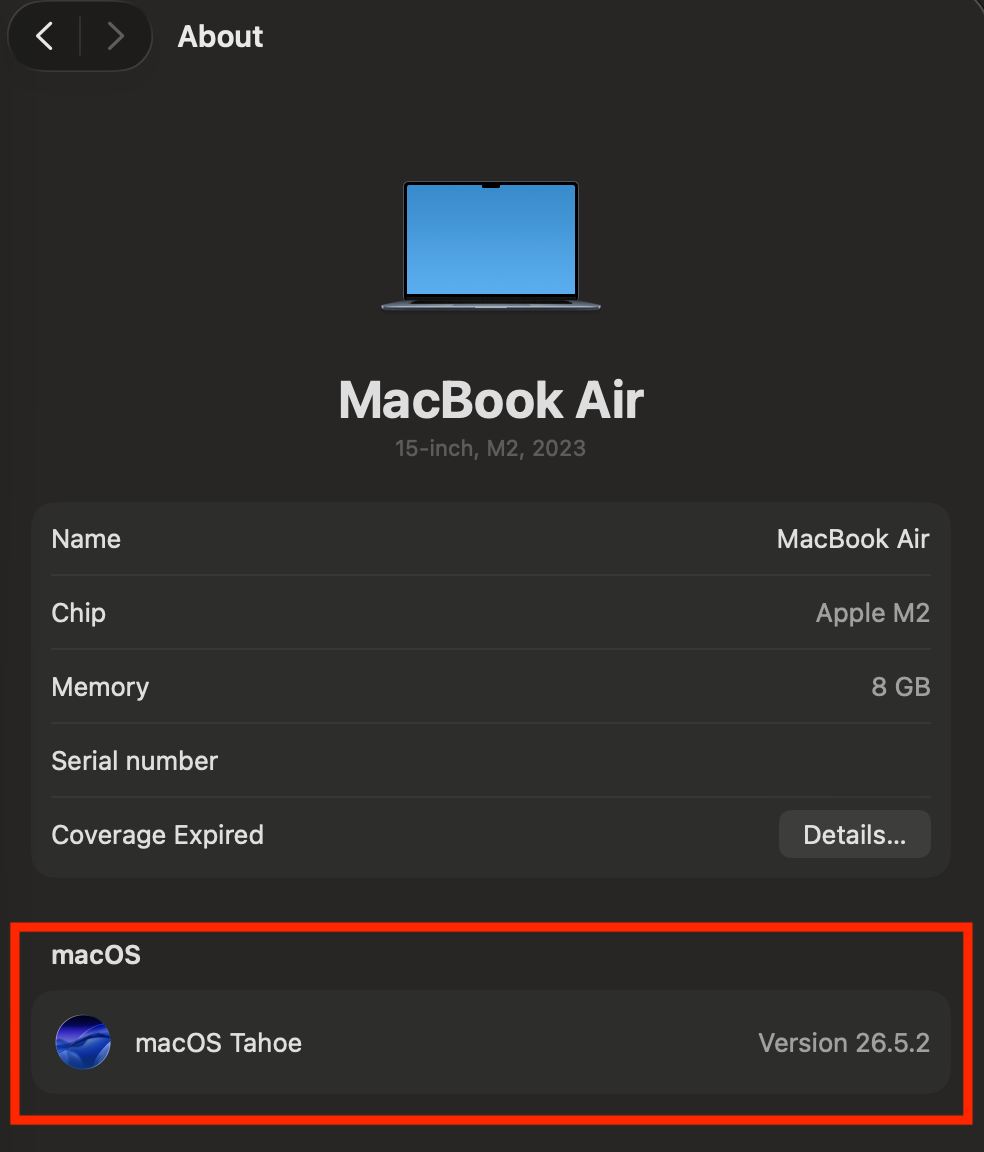
The window that opens may look different from the example below, but it always displays the name and version number of the version your Mac is currently using.
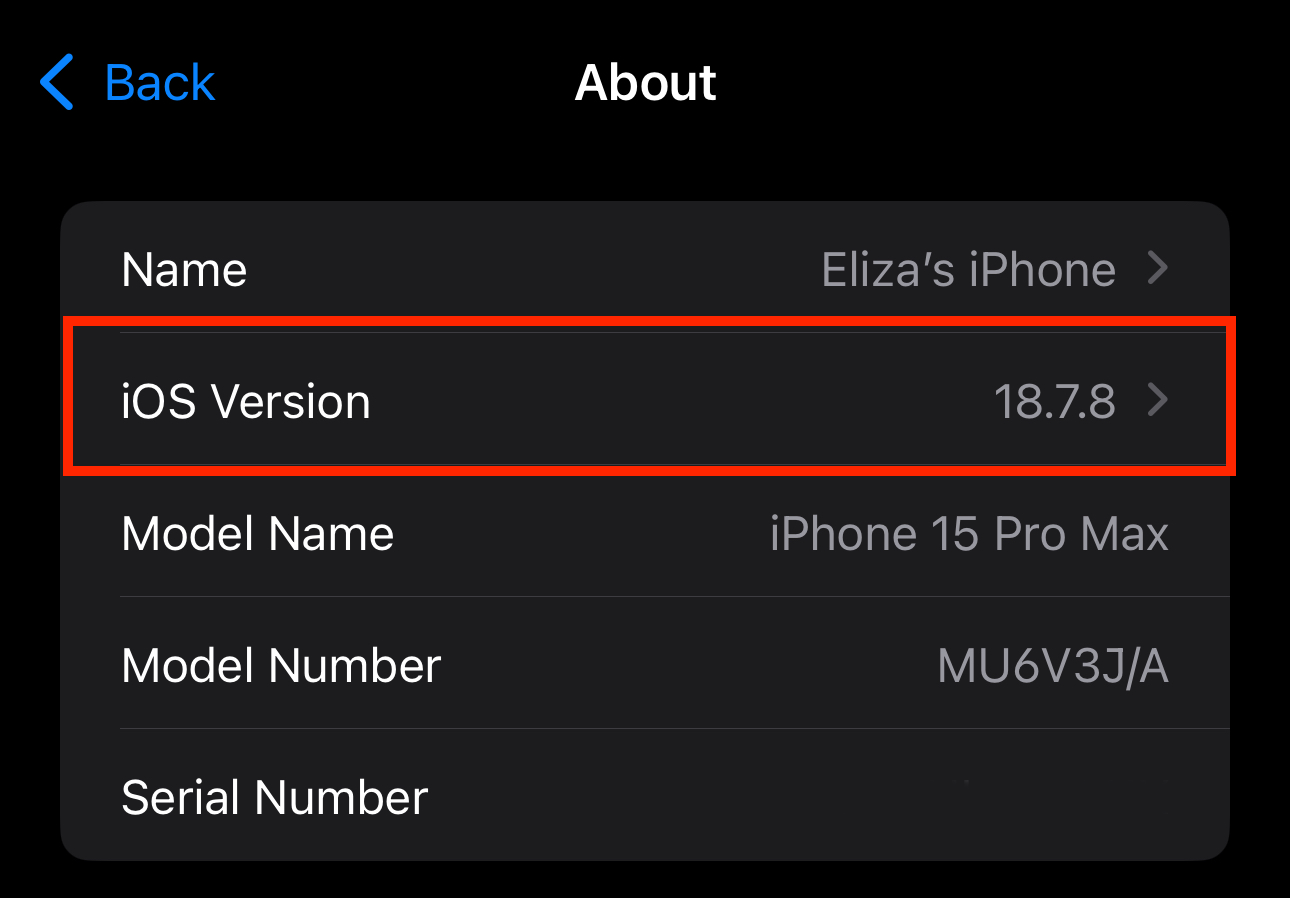
iPhone & iPads
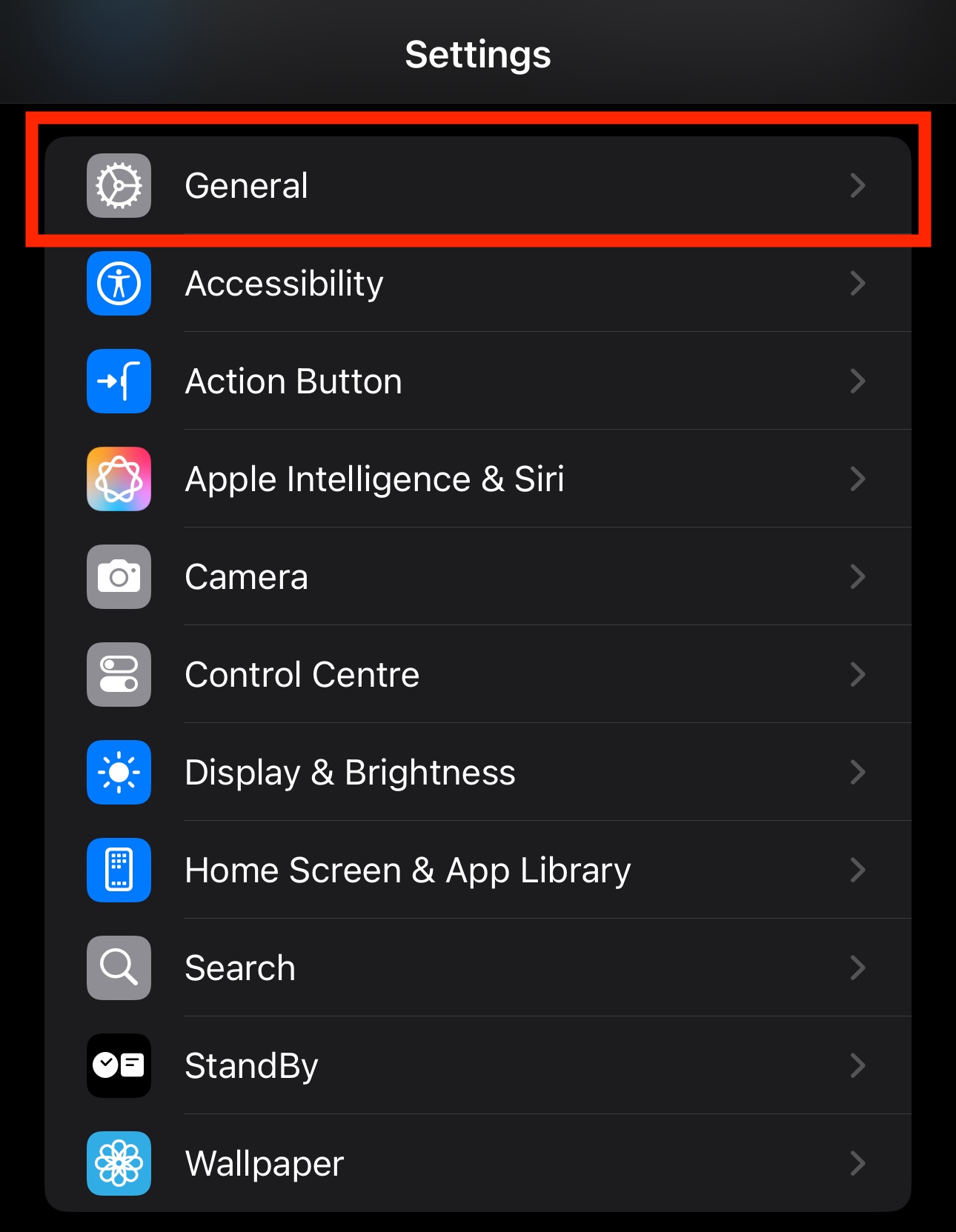
- Open Settings
- Tap General
- Tap About
|
|
|
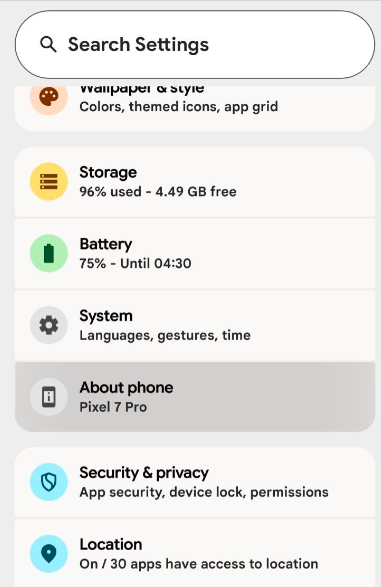
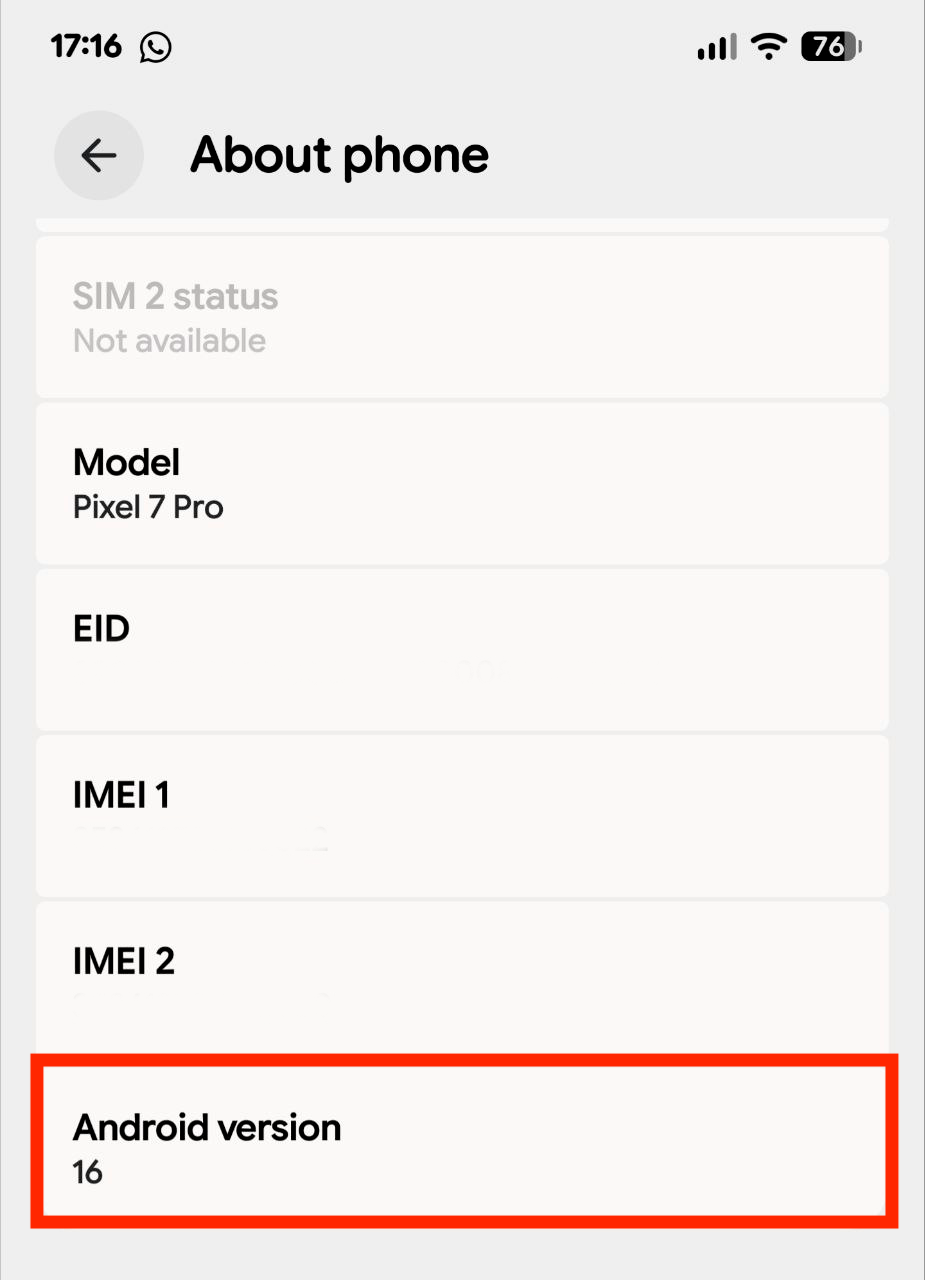
Android Devices
- Open Settings
- Tap About phone
|
|
|
Browsers
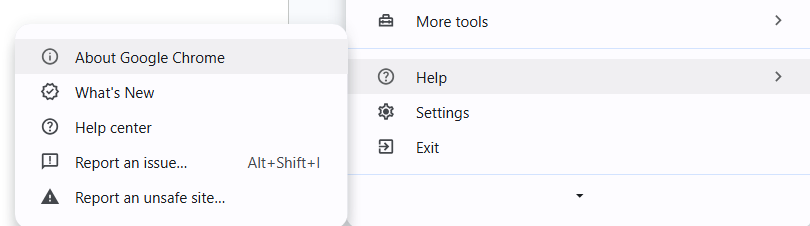
Chrome
- Open Chrome
- Click the ⋮ menu
-
Select Help → About Google Chrome
Safari (Mac)
- Open Safari
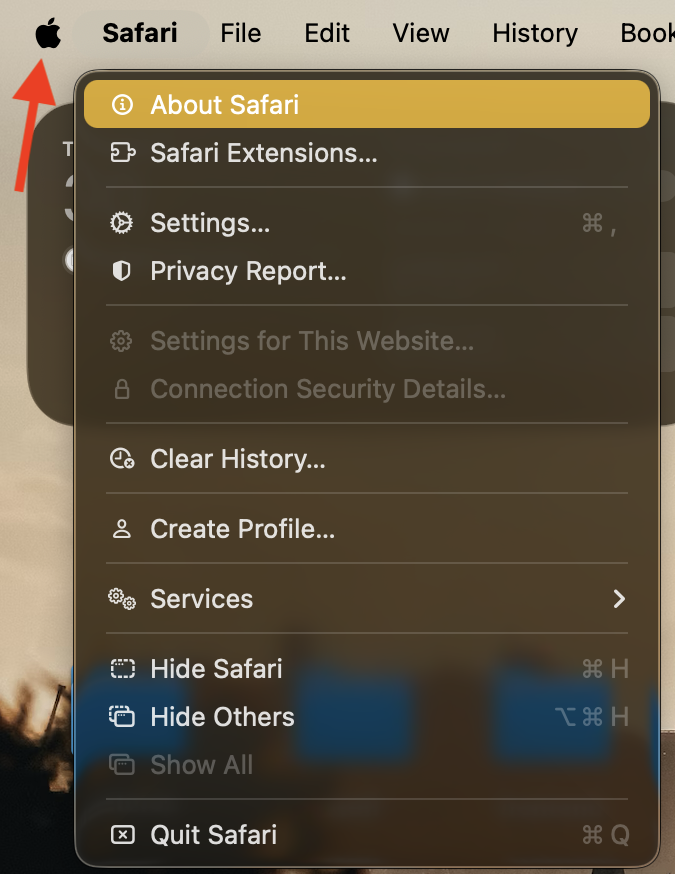
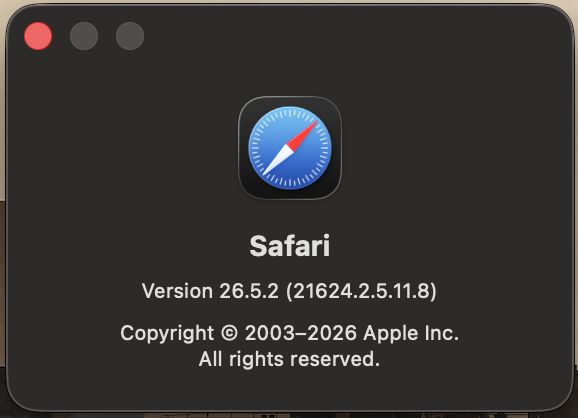
- Click Safari → About Safari
|
|
|