.png)
How to Switch Between Math and ELA in Your Account
The switching between Happy Numbers and Happy Letters is easy and intuitive for both teachers and students.
For Teachers
The first thing you’ll see in your teacher account is a Math and ELA switching tab.
Click ELA to enter the ELA account and explore its features. To learn how to set up ELA, manage classes, and access student tools, see the article.

To return to your Math dashboard, simply click Math.
For Students
Once you’ve enabled ELA access, your students can start using it right away.
Not logged in?
Students sign in using their regular Happy Numbers credentials and will be taken to a page where they can choose a course.
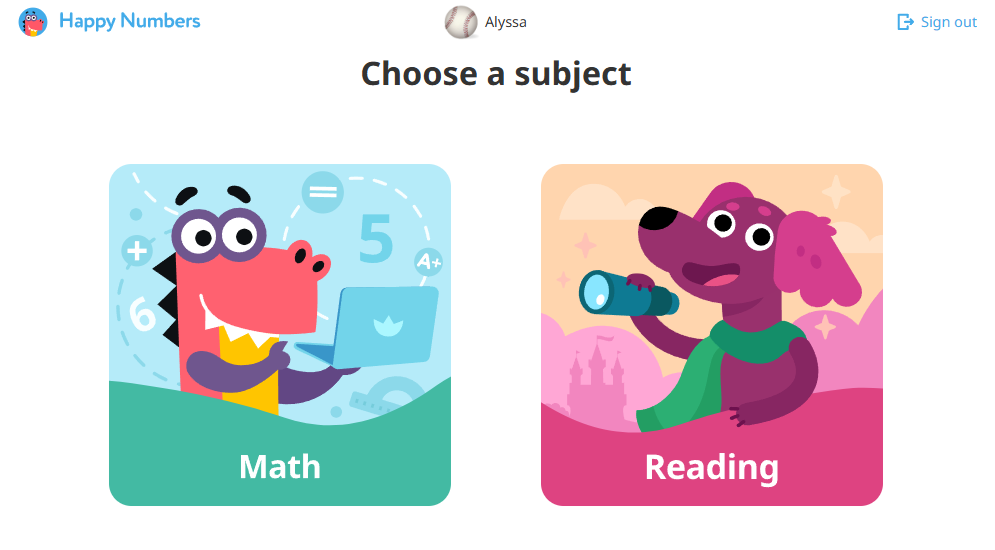
Already logged in?
Switch between courses by clicking the Home button.
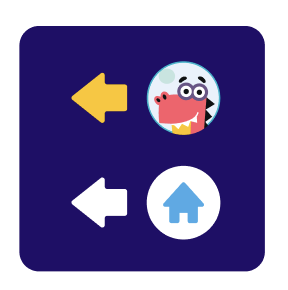
Then, select the Math or Reading icon to navigate to the desired course.
If you still have questions, please email us at support@happynumbers.com. We'll be happy to help!